Anti-Aliasing in PC Games: From MSAA to DLAA, Which Is Worth It?
Baca dalam 60 detik
- Anti-aliasing menghaluskan tepi bergerigi pada game, tetapi setiap metode punya konsekuensi performa dan kualitas gambar.
- Perkembangan teknologi temporal seperti TAA dan DLAA menawarkan hasil lebih baik, namun bisa menimbulkan ghosting atau penurunan ketajaman.
- Bagi gamer Indonesia, memahami perbedaan ini krusial untuk mengoptimalkan perangkat, terutama dengan keterbatasan harga GPU dan koneksi internet.
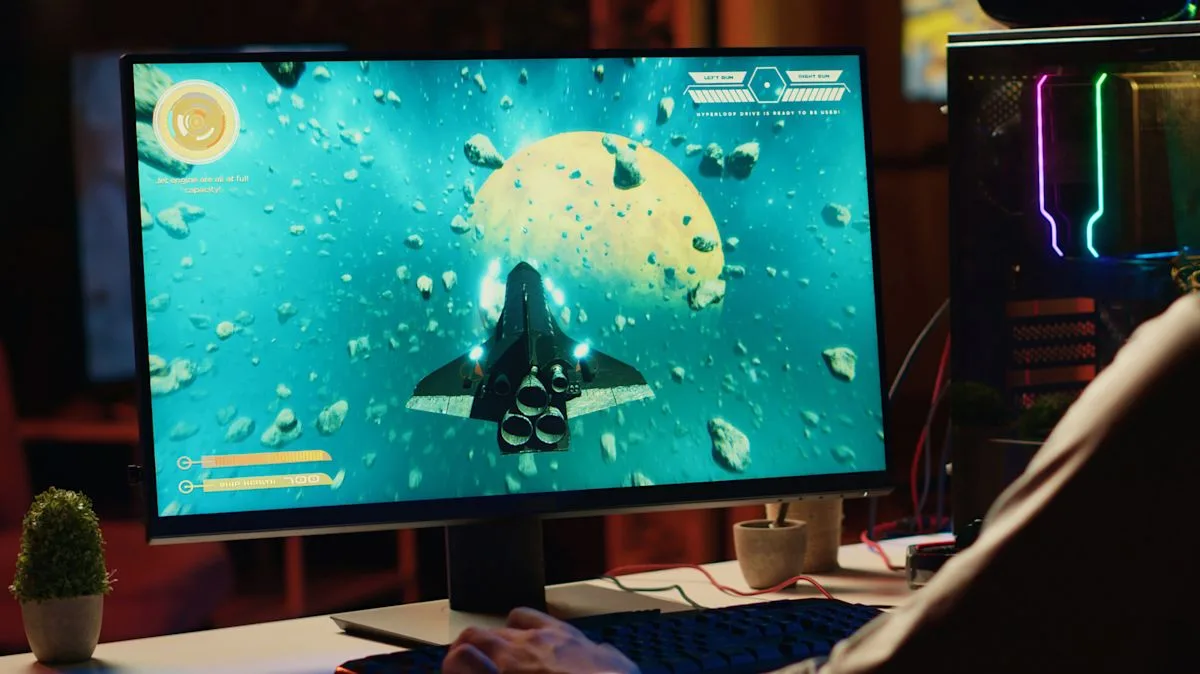
Choosing anti-aliasing settings in PC games is no longer just about cranking MSAA to its highest level. The available options have grown into a variety of acronyms—from FXAA, SMAA, TAA, to DLAA—each offering a different approach to tackling jagged edges. This shift forces players to understand the trade-off between visual smoothness and performance, especially in the Indonesian market dominated by mid-range GPUs.
The fundamental problem is the same: screens consist of square pixels, while objects in games have diagonal and curved lines. The result is a stair-step pattern known as "jaggies." Anti-aliasing exists to smooth them out, but the method used determines how much load the graphics card bears. Supersampling (SSAA) renders the image at a higher resolution and then scales it down, delivering the best results but placing a very heavy burden on the GPU. MSAA, meanwhile, samples only around geometry edges, making it more efficient but leaving textures and transparent surfaces untouched.
Post-process methods such as FXAA and SMAA work after a frame has been rendered. FXAA is fast and lightweight, but it tends to blur fine detail. SMAA offers more advanced edge detection while preserving sharpness. TAA uses information from previous frames to reduce shimmering on objects such as fences or foliage, though it can sometimes cause ghosting or blur when the camera moves quickly.
Comparisons between methods cannot be judged from static screenshots alone. Two anti-aliasing methods may look identical in a still image, but once the camera moves, differences in shimmering, blur, or ghosting become immediately apparent. Proper testing therefore involves camera movement, not just staring at the same wall for 30 seconds.
"If the GPU is the limiting factor, reducing or disabling anti-aliasing can improve performance, which may be beneficial in competitive games. However, that doesn't mean turning it off is always the best setting," according to guidance from Engadget.
For gamers in Indonesia, this decision is becoming increasingly relevant. Mid-range GPU prices remain relatively high, while modern games are increasingly demanding. Lowering anti-aliasing can be a shortcut to a more stable frame rate, especially in esports genres such as Valorant or Dota 2. However, for cinematic games such as Cyberpunk 2077, turning off anti-aliasing actually ruins the visual experience. In addition, internet connections that are not always stable make Indonesian gamers rely more on local graphics settings than on game streaming services.
Looking ahead, anti-aliasing technology will continue to evolve. NVIDIA with DLAA, AMD with FSR Native AA, and Intel with XeSS Native AA offer machine learning-based solutions that work at native resolution. This opens up the possibility of better image quality without significantly sacrificing performance. However, adoption of these technologies is still limited to certain GPUs and supported games. The question is, will Indonesian gamers soon feel the benefits broadly, or will they become even more trapped in a cycle of expensive hardware upgrades?