USB Flash Drives Are Aging: Time to Migrate Data Before It's Too Late
Baca dalam 60 detik
- USB flash drive menyimpan data secara diam-diam menghadapi risiko kerusakan permanen akibat siklus tulis terbatas dan bit rot.
- Mengandalkan cloud saja berisiko: biaya langganan, gangguan koneksi, dan potensi penyalahgunaan data oleh penyedia layanan.
- Prinsip 3-2-1—tiga salinan, dua perangkat lokal, satu cloud—menjadi standar minimal untuk melindungi arsip digital pribadi.
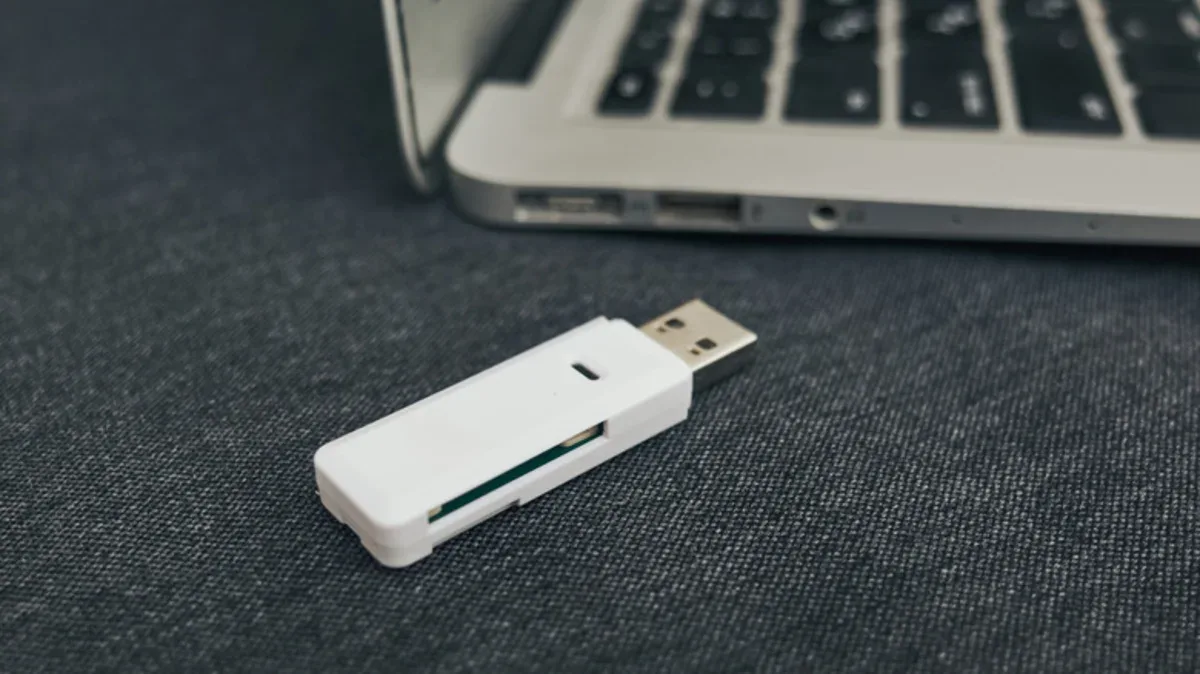
The USB flash drive, long the workhorse of portable data storage, is now facing a critical period. Not because new technology has displaced it, but because design limitations cap its useful life. If you still keep important files on an old USB stick, now is the right time to make a backup before the data is lost permanently.
The popularity of USB flash drives has indeed declined in recent years. Transferring small files is now easier via email, messaging apps, or AirDrop. Meanwhile, large files are more conveniently stored in cloud services or on external SSDs. Even so, many people still keep data on flash drives because of their convenience, especially when memory prices are surging and buying extra storage feels uneconomical.
However, there is an unavoidable deadline. All flash storage has a limited write cycle—usually between 10,000 and 100,000 times for USB sticks. If the drive is used only for archives, this problem may not be noticeable. But if you routinely copy files every day or week, the usable capacity will keep shrinking until the drive eventually stops working altogether. Unlike regular SSDs, USB flash drives do not support the TRIM command to recover some of the lost space.
Another threat that is harder to predict is bit rot. Flash memory stores data by holding an electrical charge inside cells. Over time, electrons can leak and cause bits to flip, leading to data corruption. Cosmic rays can also cause bit flips, though the odds are relatively small. In the long run, rare events like these become inevitable.
In addition, physical components such as connectors and controller chips on flash drives can be damaged by impact, corrosion, or poor production quality. Drives stored in humid environments can even become contaminated with mold. External factors such as loss or physical damage also raise the risk, especially since their tiny size makes them easy to lose.
"If data is truly important, the general rule known as 3-2-1 recommends storing it in at least three places: two local drives and one cloud upload," reads the guidance commonly used in data backup best practices.
Although the cloud offers convenience, relying entirely on these services is also risky. Subscription costs can balloon, internet connections can drop, and even expensive data centers can suffer catastrophic failures. Moreover, your data is at risk if the service provider turns out to be unethical or cooperates with authoritarian regimes. That is why having a local copy remains important.
For files that are not too critical but still worth keeping, make sure the copies are easy to identify and access. A computer's internal drive can be an option, but the cloud or an external SSD is safer. If the computer breaks down, extracting files from the internal drive can be complicated because it requires disassembling the device and connecting it to another machine.
In Indonesia, awareness of data backup is still low, especially among home users and MSMEs. Yet data loss can have a significant impact, from the loss of personal memories to important business documents. With the rise of ransomware attacks and device failures, having a solid backup strategy is no longer a choice but a necessity.
Going forward, flash drive manufacturers may shift to more durable storage technologies, but for now, users must be proactive. Have you checked the condition of your old flash drives and made sure your valuable data is safe? Don't wait until it's too late.