LG TV as a Second Monitor: A Complete Guide and Its Relevance for Users in Indonesia
Baca dalam 60 detik
- LG TV dapat difungsikan sebagai layar sekunder PC, namun memerlukan perangkat tambahan seperti HDMI splitter dengan dukungan 4K/60Hz.
- Pengaturan input PC dan aktivasi 4:4:4 passthrough menjadi kunci untuk mengurangi input lag dan mempertajam teks.
- Pilihan splitter bervariasi dari model mirror-only seharga $20 hingga yang mendukung extended display seharga $75, dengan implikasi biaya tambahan bagi pengguna di Indonesia.
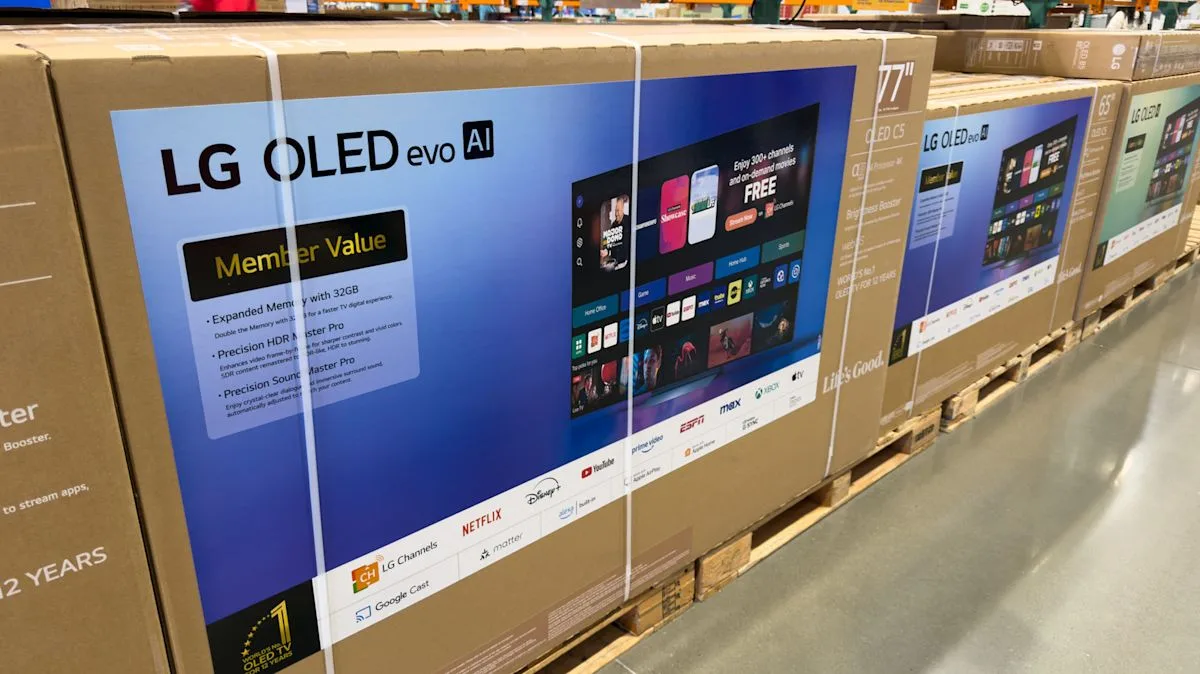
LG TVs, especially the OLED series, are renowned for their excellent color accuracy and deep black levels. However, many users wonder if these devices can function as a second monitor for daily computing needs. The answer is yes, but several devices and adjustments are required to achieve optimal results.
For use as a secondary display, a direct connection via a single HDMI cable from a PC to the TV is usually insufficient. An HDMI splitter with at least one input and two outputs is required. The ideal specification is an HDMI 2.1 standard splitter capable of outputting a 4K signal at 60Hz for both outputs. Unfortunately, many splitters on the market only support mirror mode, where the display on the first and second monitors must be identical. If an extended display is desired—working on two screens independently—users will need to spend more, for example, on an Orei SplitExtend 4K HDMI Splitter for $75, which supports extended display functionality via USB-C. Meanwhile, cheaper options like the Amazon Basics splitter for $20 can only mirror.
Once the hardware is ready, the next step is to optimize the TV settings. LG TVs, especially the OLED series, have a PC mode that can be activated by changing the input label from "TV" or "Game Console" to "PC". This change is not merely cosmetic; PC mode reduces input lag and sharpens text display, making it comfortable for typing documents or browsing the web. Additionally, ensure the TV receives a 4K signal from the PC and activate the 4:4:4 passthrough option, which is crucial for text sharpness.
"Changing the input label to PC and enabling 4:4:4 passthrough are two crucial steps often overlooked by users," stated a technology writer who owns an LG C5 OLED, as quoted from their experience.
For readers in Indonesia, the trend of using TVs as a second monitor is gaining traction, especially among remote workers and content creators who require a large display. However, there are several considerations. Firstly, the availability of high-specification HDMI splitters in the local market is still limited, and their prices can be higher due to import factors. Secondly, the higher power consumption of TVs compared to conventional monitors needs to be considered, especially with electricity tariffs continually adjusting. Thirdly, the large size of TVs might not be suitable for limited desk space, requiring careful room arrangement.
Nevertheless, the potential for savings remains. Instead of purchasing an expensive dedicated monitor, utilizing an existing LG TV can be an economical solution, provided the additional costs for splitters and accessories are factored in. Furthermore, the superior OLED picture quality can enhance the multimedia viewing experience while boosting work productivity.
Looking ahead, with more TVs supporting gaming and PC features, manufacturers like LG are expected to continue refining PC mode and compatibility with external devices. The question is, is the Indonesian market ready with an adequate supporting ecosystem, including the availability of high-standard splitters and responsive after-sales services?