Samsung Makes Checking Galaxy Warranty Easier: A Complete Guide from One UI 9 to the Official Site
Baca dalam 60 detik
- Samsung menyematkan menu khusus garansi di One UI 9 untuk memangkas langkah pengecekan.
- Pengguna perangkat lawas tetap bisa mengandalkan Samsung Members atau portal web resmi.
- Ketidaksesuaian tanggal garansi dapat disengketakan dengan mengunggah bukti pembelian.
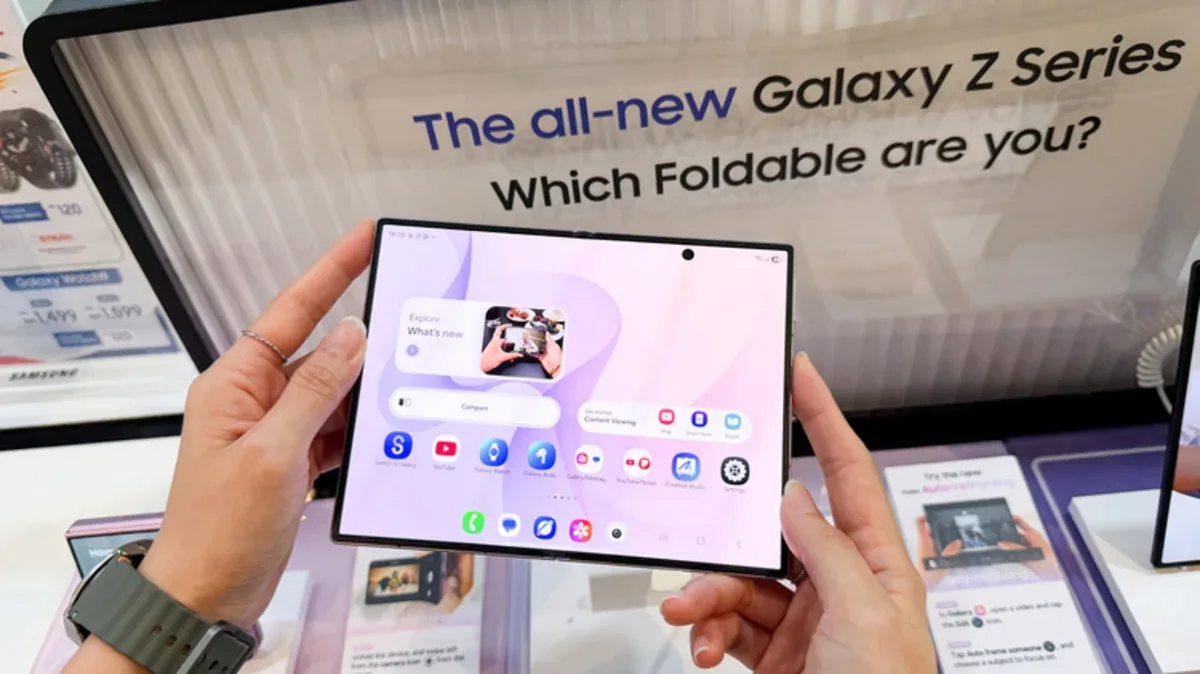
Jakarta – Samsung has updated the after-sales experience for Galaxy users by introducing a Warranty and care menu within device settings. The move addresses a common consumer complaint: having to hunt for warranty information through a separate app or website. For owners of devices running One UI 9, checking protection status can now be done directly from the Settings menu, without switching apps.
The menu does more than display an expiration date. It integrates hardware diagnostics for the battery, charging system, display, camera, and sensors. If an anomaly is detected, users can go straight to repair options from the same page. Samsung also provides access to Bixby to help troubleshoot issues, though the virtual assistant's effectiveness still depends on how complex the damage is.
For users who have not yet received the One UI 9 update or own a device that is no longer supported, Samsung offers an alternative path through the Samsung Members app. The app is usually preinstalled, but if it is missing, users can download it from the Galaxy Store or Google Play Store. After signing in with a Samsung account, users can register their device and access the support menu to view warranty status. The interface and feature availability may differ depending on the app version, device model, and region.
If neither method delivers the desired result, the Samsung device portal on the official website is the last option. Users need to sign in to their Samsung account and check the My Products section. For devices that are not yet registered, registration requires a serial number or IMEI, which can be found under Settings > About phone. If the expiration date shown is incorrect, there is a Review Warranty option or a warranty dispute submission where users upload proof of purchase so the date can be updated.
This easier access to warranty information is crucial in the Indonesian market, which has a large Samsung user base. Consumer awareness of protection rights remains low, so many are reluctant to pursue claims because the process is seen as complicated. By reorganizing the service flow, Samsung could cut unnecessary repair costs and speed up complaint resolution. The move also aligns with an electronics industry trend of relying more on app-based self-service for operational efficiency.
Even so, challenges remain. Fragmentation of operating system versions and differing warranty policies between countries can make the user experience inconsistent. Samsung needs to ensure this feature is promoted evenly, especially for mid-range and entry-level device users who may not yet have One UI 9. Without adequate education, this advanced feature risks being underused.
Going forward, transparency in warranty information will be a differentiator in an increasingly competitive smartphone market. The question is whether Samsung's move will be followed by other manufacturers and become a new standard in after-sales service. What is clear is that consumers now have more control over ensuring their devices are protected.