Can HDMI and DisplayPort Be Mixed? A Complete Guide to Multi-Monitor Setups
Baca dalam 60 detik
- Kombinasi HDMI dan DisplayPort pada satu PC dimungkinkan selama motherboard atau kartu grafis menyediakan kedua jenis port tersebut.
- Perbedaan bandwidth dan refresh rate antar port berpotensi menimbulkan bottleneck, terutama jika monitor sekunder beresolusi tinggi.
- Strategi hibrida ini masuk akal secara ekonomi: monitor DisplayPort untuk kebutuhan utama, HDMI untuk layar pendukung.
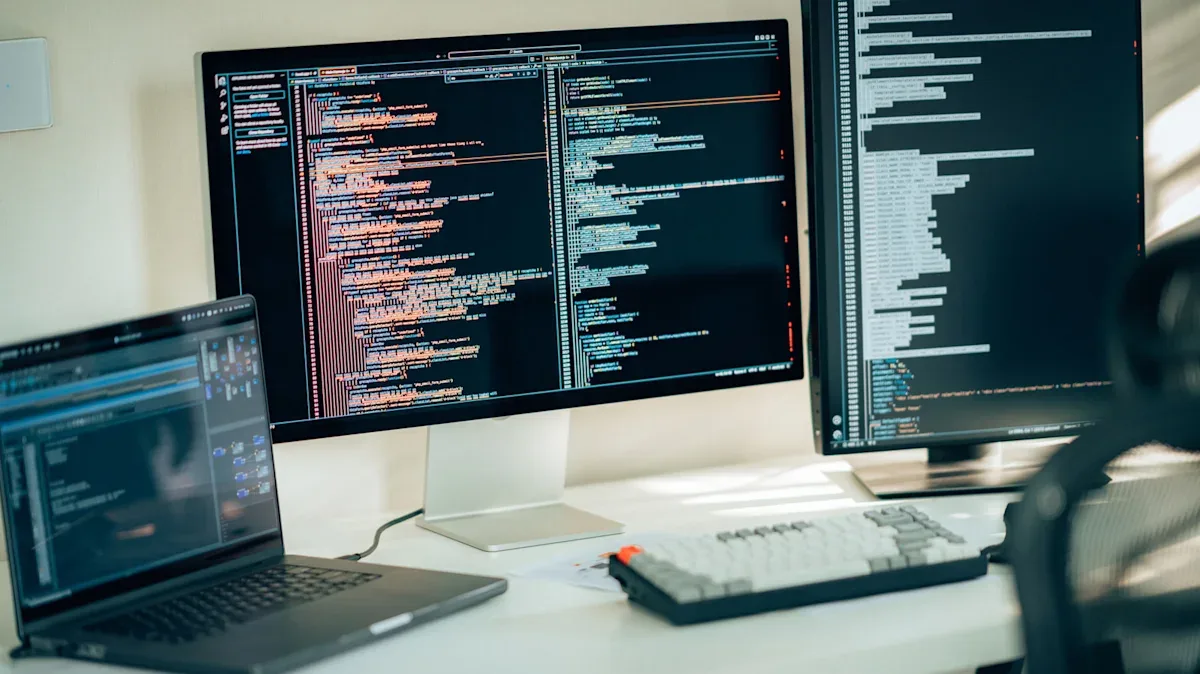
Connecting two monitors with different connector types—one HDMI and one DisplayPort—is not impossible. As long as your motherboard or graphics card provides both ports, any operating system, whether Windows, macOS, or Linux, will recognize each screen as an independent device. HDMI and DisplayPort are essentially just two different audio-video signal transmission technologies; the presence of one does not negate the function of the other.
Even so, not all hardware supports multi-monitor configurations. Before buying an additional screen, users are advised to check the device specifications to confirm that support. On laptops with integrated graphics, the ports are usually located on the side or back. Meanwhile, on tower PCs with discrete graphics, the connector should be plugged directly into the graphics card, not the motherboard, so that the expensive graphics performance is not wasted.
For gamers, graphic designers, video editors, or tech enthusiasts, a mixed setup offers more flexibility. A common strategy is to allocate a larger budget to the main DisplayPort monitor, then choose a more economical HDMI screen as a secondary monitor for communication apps, music players, or other side purposes. This approach also leaves extra ports for other devices, such as a VR headset or projector.
"A combination of different monitor types allows users to optimize their budget without sacrificing core functionality," goes the principle often adopted by PC builders.
However, there are technical consequences to watch out for. HDMI and DisplayPort have different specifications in terms of data bandwidth, refresh rate support, and HDR capability. If both monitors have a 144Hz refresh rate, one of them could be held back by an HDMI port that can only handle 60Hz. Using an adapter can also worsen this limitation, especially if the adapter quality is low. In addition, a diverse combination of cables, ports, and monitors can complicate the troubleshooting process.
Even so, these constraints do not automatically negate the benefits. Economically and strategically, mixing HDMI and DisplayPort remains a rational choice, especially for users who want to boost productivity without digging too deep into their pockets. The key is understanding the characteristics of each port and matching them to your needs.
In Indonesia, the growing trend of hybrid work and content creators makes multi-monitor setups increasingly relevant. Many remote workers and local streamers are starting to adopt two screens to separate work space from entertainment space. By understanding port compatibility, they can save costs without sacrificing quality. Going forward, standards such as DisplayPort 2.0 and HDMI 2.1 are predicted to make integration easier, but as long as older devices remain in circulation, the bottleneck challenge persists. The question is, how ready are users to work around technical limitations for the sake of productivity?