iPhone's Action Button Can Now Run Multiple Functions at Once, Here's How
Baca dalam 60 detik
- iOS 27 memungkinkan Tombol Aksi memicu beberapa perintah sekaligus melalui folder khusus di aplikasi Shortcuts.
- Pengguna dapat mengatur menu tindakan yang muncul saat tombol ditekan, menggantikan fungsi tunggal bawaan.
- Integrasi dengan Focus Modes membuat tombol otomatis berubah sesuai konteks, seperti saat mengemudi atau tidur.
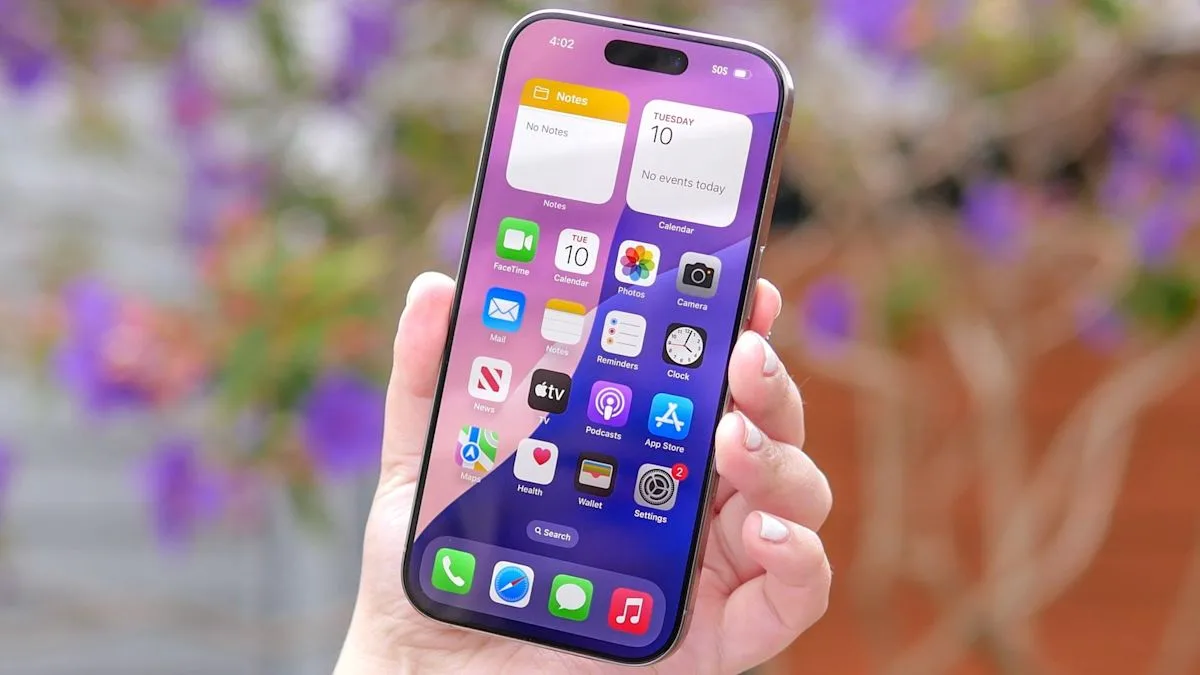
Apple has finally answered a long-standing complaint from iPhone users: the Action Button, which until now could only run a single task, can now be turned into a multifunction control center thanks to the iOS 27 update. The feature is embedded through an updated Shortcuts app, allowing users to create custom action menus and link them to focus modes.
Since it was introduced on the iPhone 15 Pro, the Action Button has offered limited flexibility. Most users chose simple functions such as silent mode or the camera launcher, leaving the physical button's potential underused. iOS 27 changes that approach by introducing the ability to create folders containing several quick actions that can be accessed with a single press.
According to an explanation at a technology source, the first step is to open the Shortcuts app and create a new folder named "Action Menu". Inside it, users can add three to five of the most frequently used actions, for example the flashlight, voice recorder, or Shazam. Once the folder is created, users go to Settings, select Action Button, then point the "Show Folder" option to the newly created folder. As a result, pressing the button displays a row of favorite tools instead of running a single command.
Going further, the button can be programmed to change function automatically based on Focus Modes. For example, when Sleep mode is active, the button opens Alarm; when Driving mode is on, the button launches Apple Maps; and outside those, the button shows the Action Menu folder. These conditional rules are created inside the Shortcuts app using simple if/then logic, then set as the Action Button's primary action.
For users in Indonesia, this update could boost daily productivity, especially among young professionals who rely on their iPhone for high mobility. With one button, they can access important tools without having to open the screen or search for an app. However, adoption of this feature depends on users' habits in making use of Shortcuts, which has so far been unpopular in the Indonesian market because it is considered complicated.
"This update shows Apple is starting to listen to user feedback about the Action Button's limitations. The folder-based and focus mode approach is a smart step to simplify automation without sacrificing flexibility," said a technology analyst who did not wish to be named.
Going forward, this capability could become a foundation for Apple to expand its automation ecosystem on other devices, such as the Apple Watch or Vision Pro. If widely adopted, the Action Button could become a competitive differentiator amid increasingly tight competition in premium smartphones. The question is, will Indonesian users make the most of this potential, or remain stuck on simple default functions?