Unlocking the Secrets of iPhone Photos: 48MP, ProRAW, and the Traps of Manual Mode
Baca dalam 60 detik
- Peningkatan resolusi dari 24MP ke 48MP pada iPhone sering kali hanya memberikan perbedaan tipis dalam kondisi cahaya cukup, meski ukuran file membengkak dua kali lipat.
- Mode ProRAW menawarkan kontrol lebih besar, tetapi keunggulan detailnya baru terasa signifikan ketika memilih antara 12MP dan 48MP, bukan 24MP dan 48MP.
- Fitur aperture variabel dan kontrol manual di iPhone 18 Pro justru berisiko menurunkan kualitas di kondisi minim cahaya karena hanya mengambil satu eksposur.
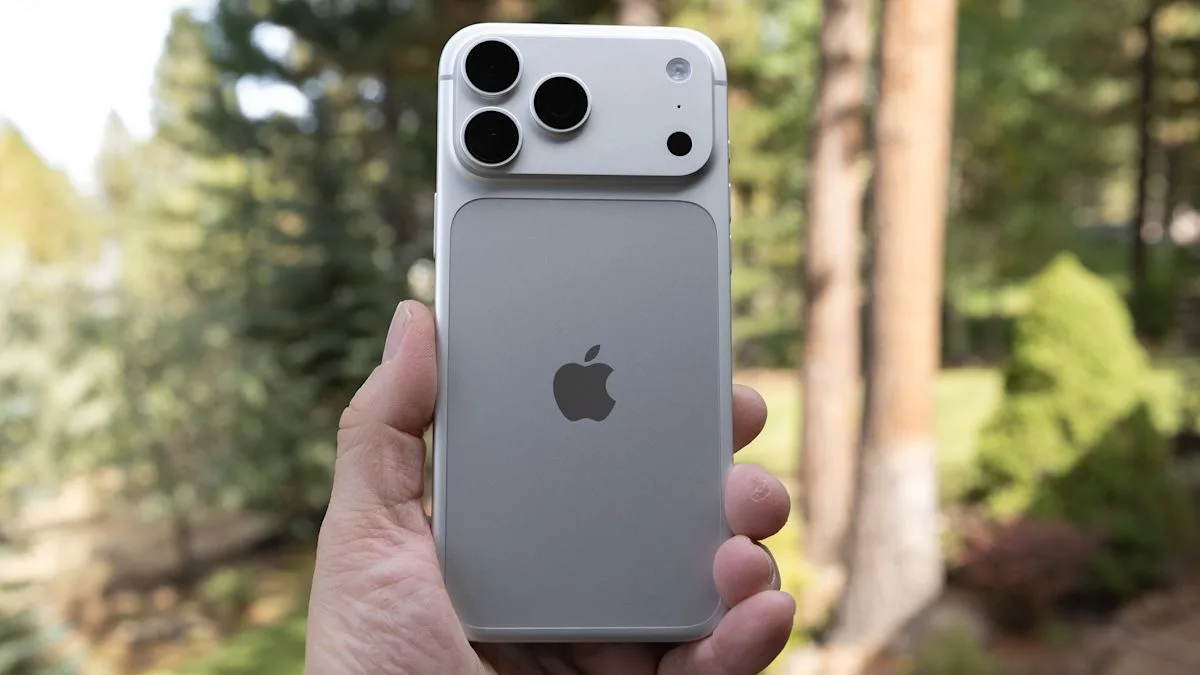
The latest iPhone models come with increasingly sophisticated camera sensors and software, but maximizing their full potential is not as easy as flipping the palm of your hand. Based on testing conducted by DPReview, the difference between the 48MP and default 24MP modes on the iPhone often does not justify the jump in the resulting file size.
Under adequate lighting conditions, 48MP and 24MP HEIC shots are almost indistinguishable to the naked eye. Only when a subject has very fine detail and ideal lighting does the high-resolution mode show its advantage. Even then, it comes at the cost of storage space that fills up quickly. Rather than leaving it on all the time, users are advised to enable this mode only for specific moments that truly require extra sharpness.
Unfortunately, 48MP mode is not a wise choice in low light. The quad-bayer sensor used in the iPhone has to sacrifice noise performance when forced to capture full resolution. The additional noise reduction process actually makes the difference between the high and standard modes even blurrier. In other words, in dark conditions, the default 24MP mode remains more reliable.
For owners of Pro-series iPhones, the ProRAW option offers more flexibility in image processing. Although it does not immediately increase detail drastically, this format provides more room for color and exposure correction in post-production. Interestingly, in Raw mode, the available resolution choices are 12MP and 48MP, not 24MP and 48MP. This is where the quality difference between 12MP and 48MP becomes far more striking than in non-Raw mode.
The newly released iPhone 18 Pro brings two new features: variable aperture and manual controls. According to a report by The Verge, adjusting shutter speed and aperture manually makes the phone take a single exposure, rather than multiple shots as in automatic mode. In testing, the results of this single-shot mode turned out to still be quite good in daylight. Even when examined down to the pixel level, the difference from the multi-shot computational mode is very subtle.
“In low-light conditions, the effect of using a single exposure instead of multiple shots will be far more visible in the form of more noise and reduced detail,” DPReview wrote in its report.
Therefore, although manual mode is tempting to use at night to open the lens wide, the results are often disappointing. The iPhone's automatic mode usually already selects the F1.48 setting in dark situations, so using manual mode without a specific artistic purpose tends to be detrimental. For the sharpest results with variable aperture, the classic photography advice still applies: stop down the aperture. The F1.8 setting looks sharper than F1.48, and although diffraction begins to appear at F2.8 to F4, the drop in sharpness in that range is not very significant.
Apple also markets the 2x and 8x crop modes as “optical quality,” even though these modes only use a quarter of the sensor area. As a consequence, there is a definite drop in quality. These modes are indeed useful when the user cannot get closer, but if possible, it is better to use a true optical lens. In addition, the iPhone's main camera has the largest sensor compared to the ultrawide and telephoto. For the best image quality, especially in low light, the main camera remains the primary choice.
For users in Indonesia, these findings are relevant given the premium price of iPhone Pro. Maximizing the camera does not mean always turning on the highest mode, but rather understanding when to use certain features. With the high penetration of iPhones in the upper segment, mistakes in choosing modes can lead to a disappointing photography experience.
Looking ahead, the question is whether Apple will simplify the camera interface so that ordinary users do not get lost among dozens of options. Or, on the contrary, increasingly complex manual features will become a distinct attraction for serious photographers. What is clear is that understanding the character of the sensor and the shooting modes is the key to getting the best results from your pocket.