Padlock Icon in PS5 Library: Not a Hardware Fault, but a Sign of Digital License Trouble
Baca dalam 60 detik
- Gembok di samping judul game PS5 menandakan konsol tidak menemukan lisensi aktif, bukan kerusakan perangkat.
- Penyebab utamanya beragam: pembelian oleh akun lain, langganan PlayStation Plus yang habis, atau galat sistem lisensi.
- Pengguna dapat memulihkan akses dengan Console Sharing, berlangganan ulang, atau fitur Restore sebelum menghubungi dukungan resmi.
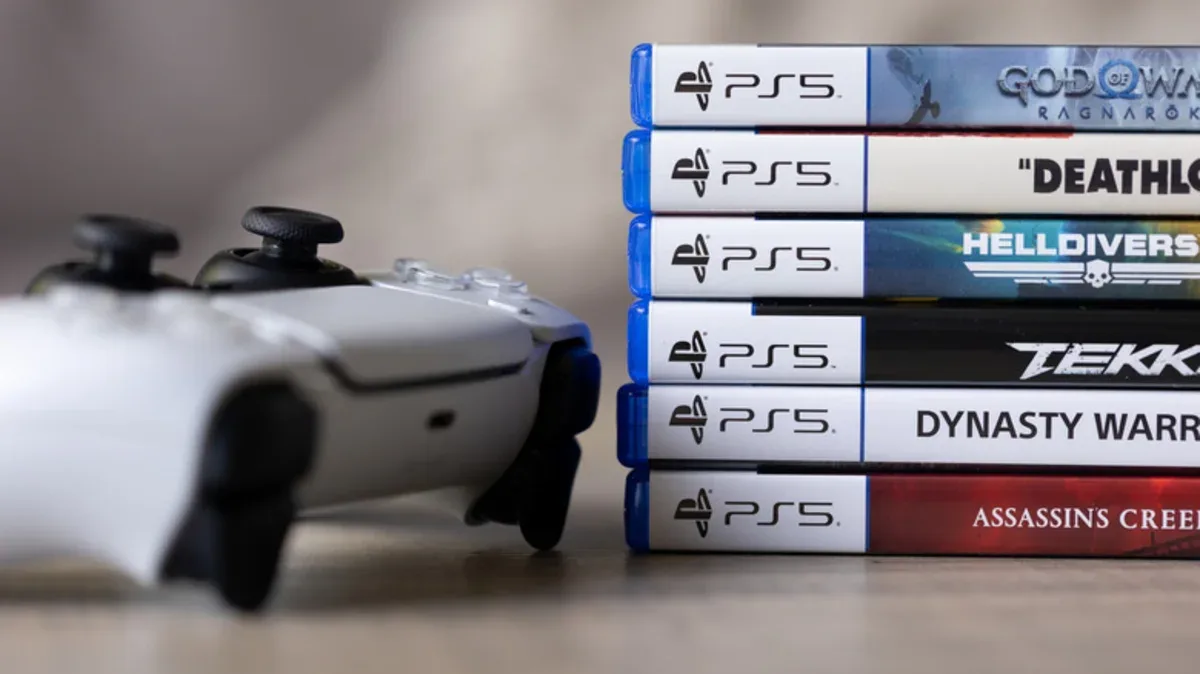
PlayStation 5 owners who find a padlock icon next to a game title in their digital library need not panic. The symbol is not an indication of hardware failure, but a marker that the system has not detected an active license for that game. It can appear even on games already listed in the collection but not yet downloaded.
According to explanations circulating in technical communities, the root of the problem can often be traced to how the game entered the console. If a PS5 is shared across several accounts, a locked title was most likely purchased by another account. Another case arises when a PlayStation Plus subscription has just ended, while the game was downloaded during the active period. If neither scenario applies, there is a chance the license was lost due to a system error.
The fix depends on where the license came from. For a game bought by another account, the user simply needs to sign in to the original owner's account. However, to keep achievements recorded on the main account, the Console Sharing and Offline Play feature must be enabled. After that, the libraries between accounts can be accessed in turn. This approach is considered the most practical for consoles shared by family or housemates.
"If you can play their games, they can play your games too — that's fair," goes the principle often cited in PlayStation community guides.
For those who lose access because a PlayStation Plus subscription has lapsed, there are two options: buy the game separately or extend the subscription to a tier that includes the title. Note that Sony sometimes pulls a number of games from the PS Plus catalog. If a title has been removed from the service, the only way is to buy it outright.
Meanwhile, for cases suspected to stem from a license error, users can select all locked games in the library menu, then press the Restore option. This process forces the console to refresh license data from the server. If access remains closed afterward, contacting customer support is the next step.
This padlock phenomenon highlights a major shift in the gaming industry: consumers no longer truly own a physical copy, but a digital license that can be revoked or expire. In Indonesia, this trend is increasingly relevant as the number of PS5 users and subscription services grows. Many gamers in the country buy games digitally through accounts in other regions or share accounts to cut costs. The practice does save money, but it is prone to triggering license problems when account or subscription policies change.
Going forward, transparency in licensing systems is a challenge for Sony and other digital platforms. Users have the right to understand the ownership status of the games they buy, especially as the subscription business model becomes more dominant. Will the next generation of consoles offer a clearer mechanism, or tighten license control instead? That question will continue to accompany the industry's shift toward an all-digital ecosystem.